
Skip to content

Rendering…

0%

Click or press any key to skip

Hire me

Ralph Ivan Simeon/Video Editor/Dubai, UAE · GST · UTC+4

I turn raw footage into content people can’t scroll past.

EditingUGCthat keeps people watching.Formats: UGC, Shorts, Reels, TikTok, YouTube, Ads, Documentary.

I edit for the swipe. Every cut, caption and sound hit has one job: keep the next second more interesting than the last. I build and run four YouTube channels of my own, so I test what holds attention on my own uploads before I use it on yours.

Hire Me

Under a minute. Every cut on the beat.
Showreel poster

One editor. Every format.

Same footage, different job. Each platform gets its own frame, pacing and caption rules, not a crop of the last one.
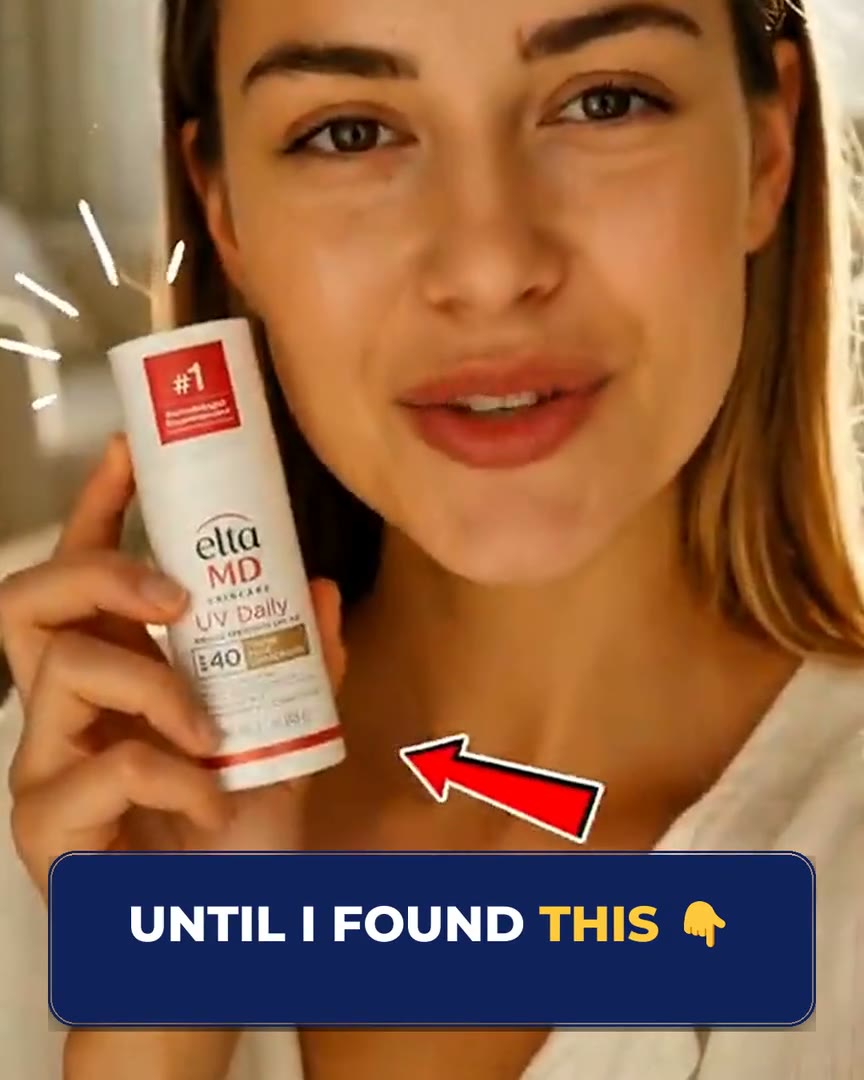
  1. 4:5

    4:5 · 1080 × 1350 · 30 fps · captions burned in

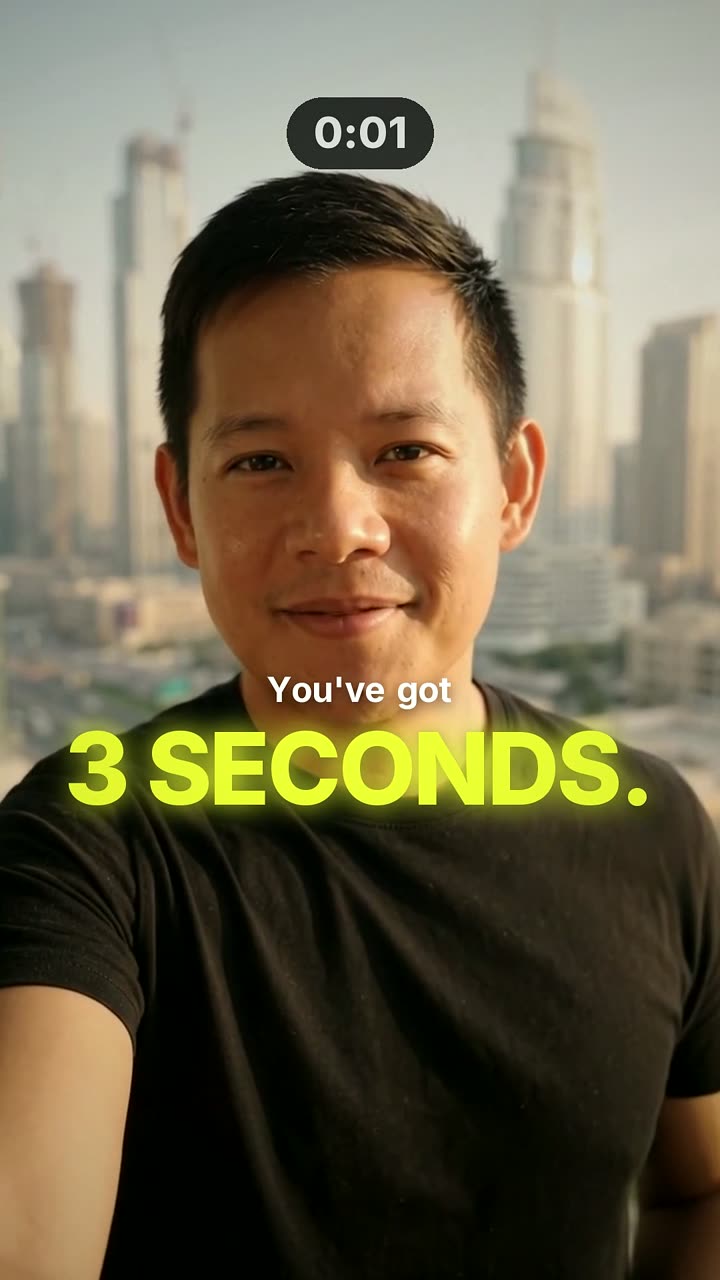
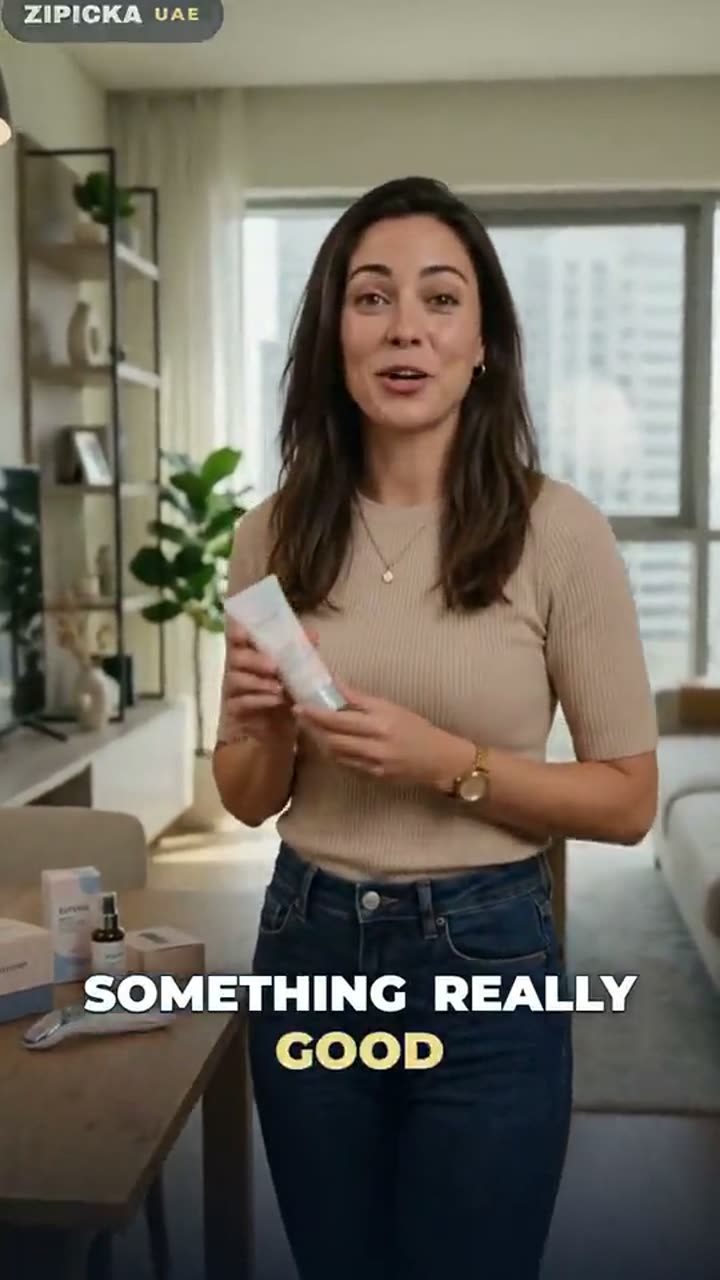
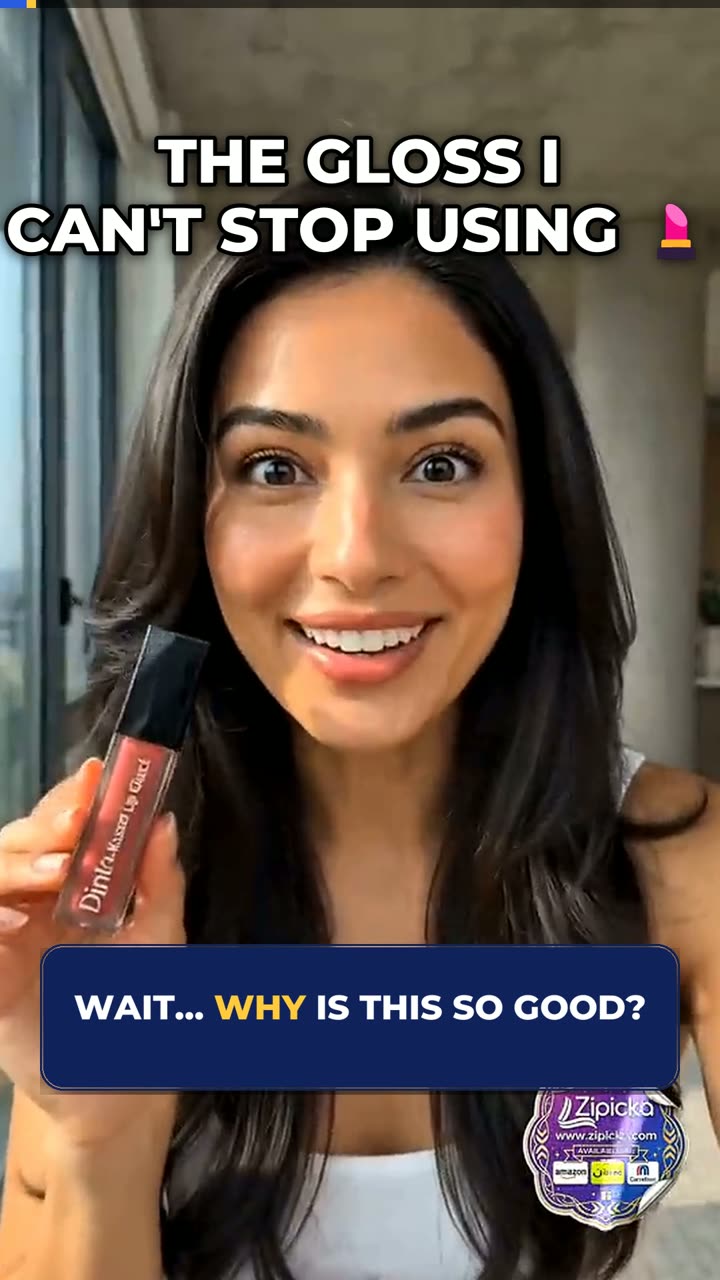
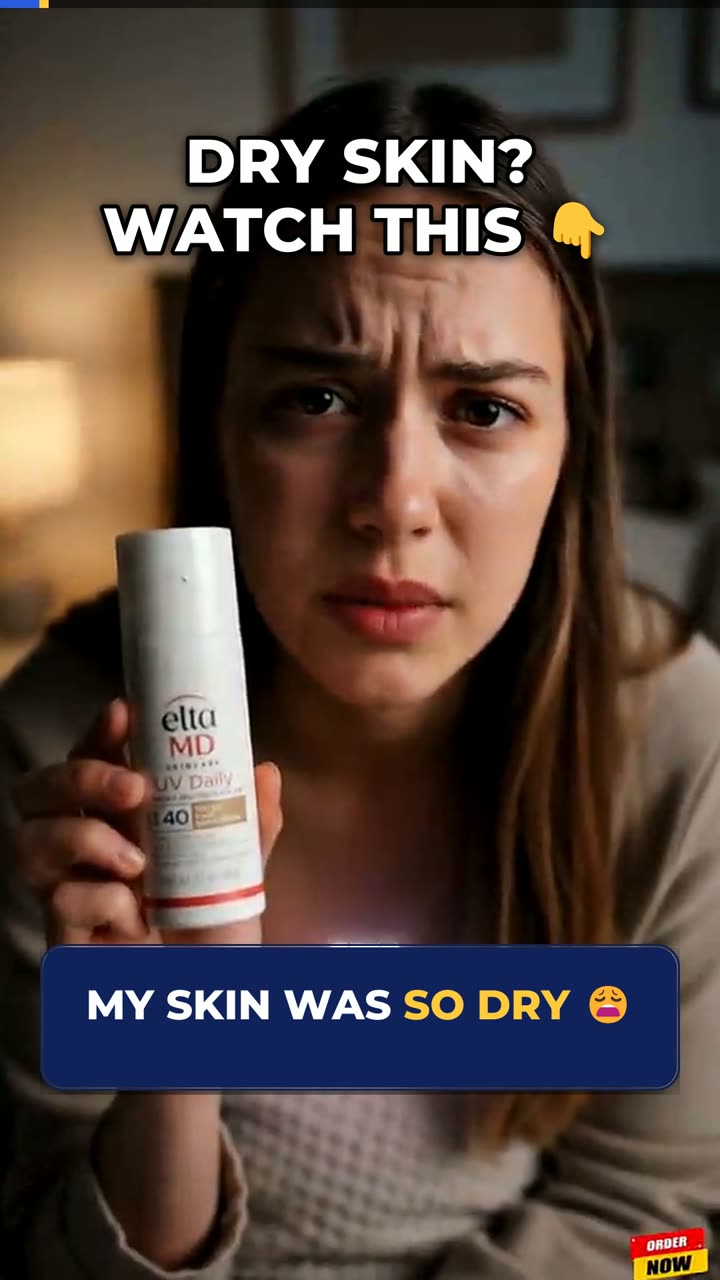
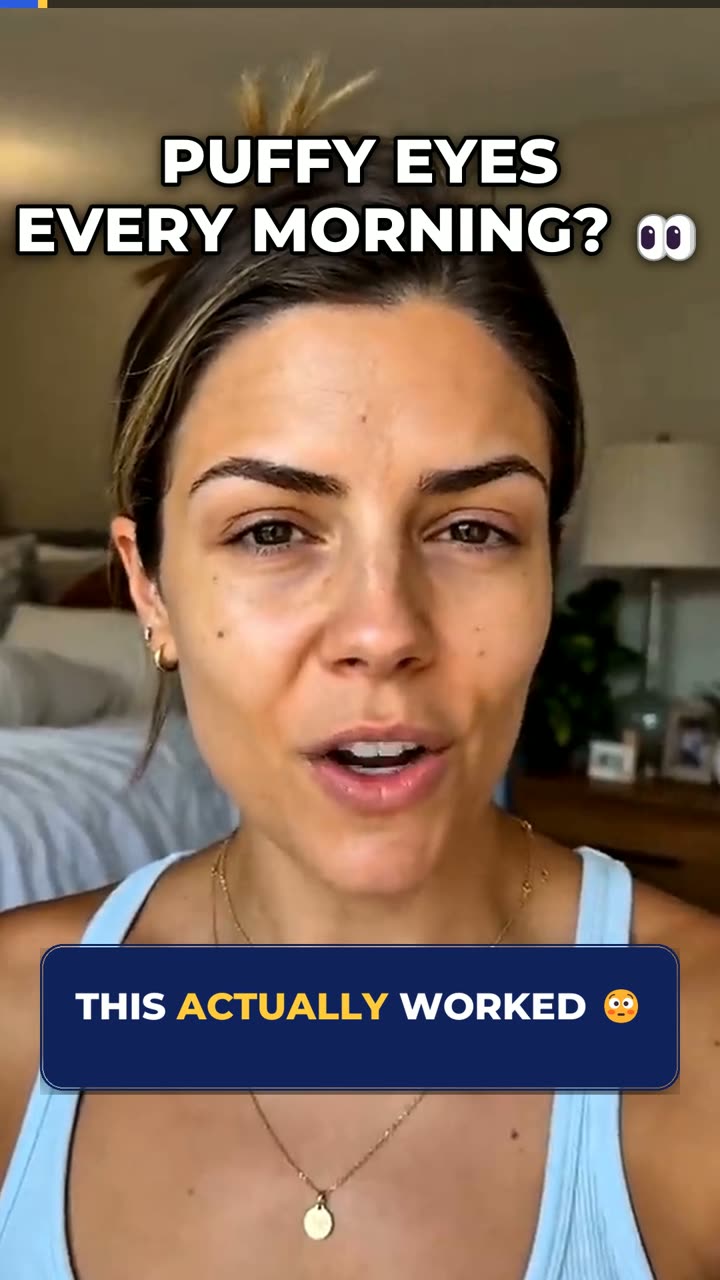
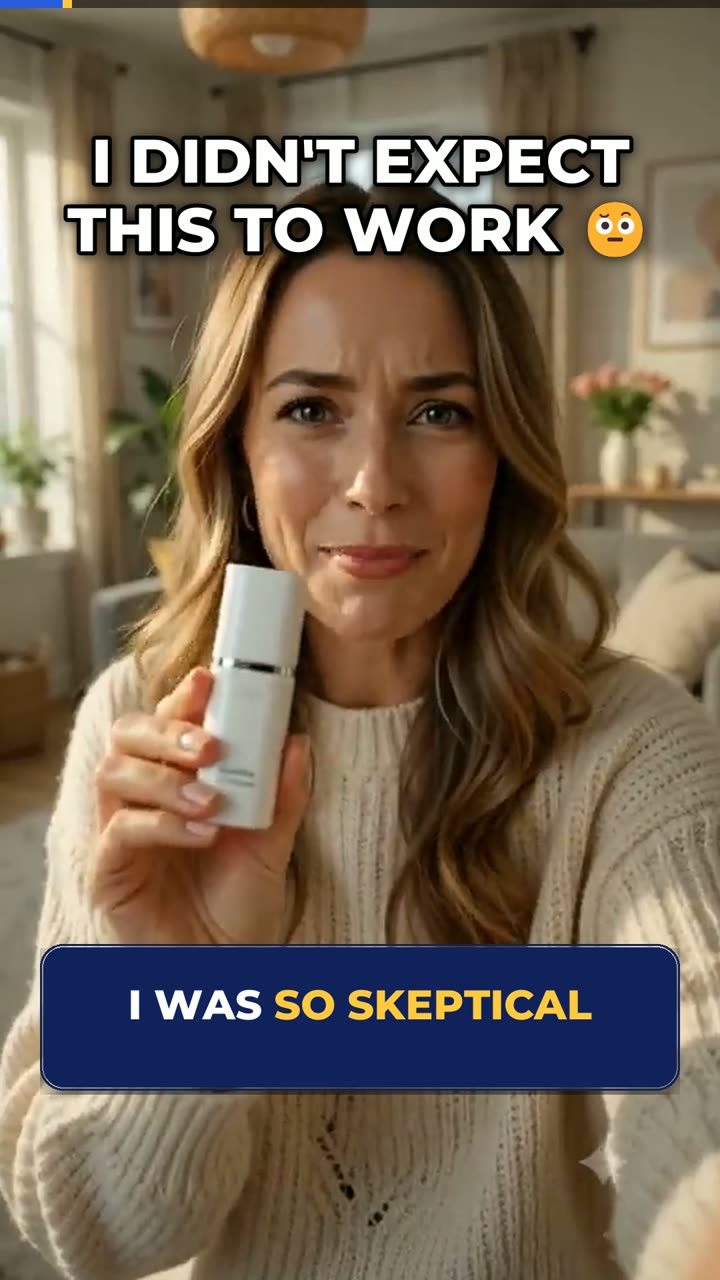
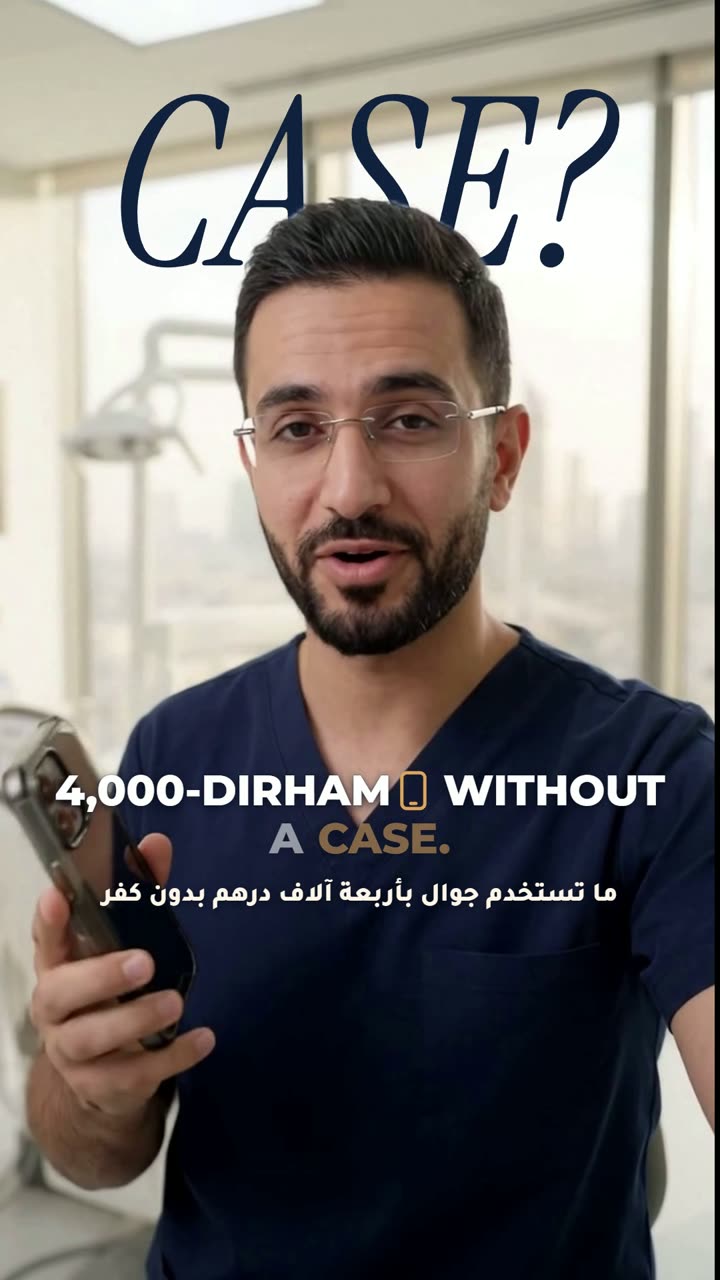
    UGC Ads

    Ads that don't look like ads. Hook in the first second, proof in the middle, one clear ask at the end.

    • 3 hook variations per concept
    • Testimonial and problem-solution cuts
    • Burned-in captions sized for mute autoplay
    • Cut-downs for 9:16 and 1:1
  2. 9:16

    9:16 · 1080 × 1920 · TikTok / Reels / Shorts safe zones

    Short-Form

    Fast pacing, kinetic captions and sound design that does half the storytelling.

    • Pattern interrupts every 2–3 seconds
    • Word-timed kinetic captions
    • SFX and music cut to the picture
    • Platform safe-zone checks
  3. 16:9

    16:9 · 3840 × 2160 / 1920 × 1080 · chapters · end screen

    Long-Form

    YouTube videos paced for retention: tight opens, no dead air, a reason to stay in every chapter.

    • Cold open built from the best moment
    • Jump-cut tightening and B-roll
    • Lower thirds and callouts
    • Chapters and end-screen space
  4. 16:9

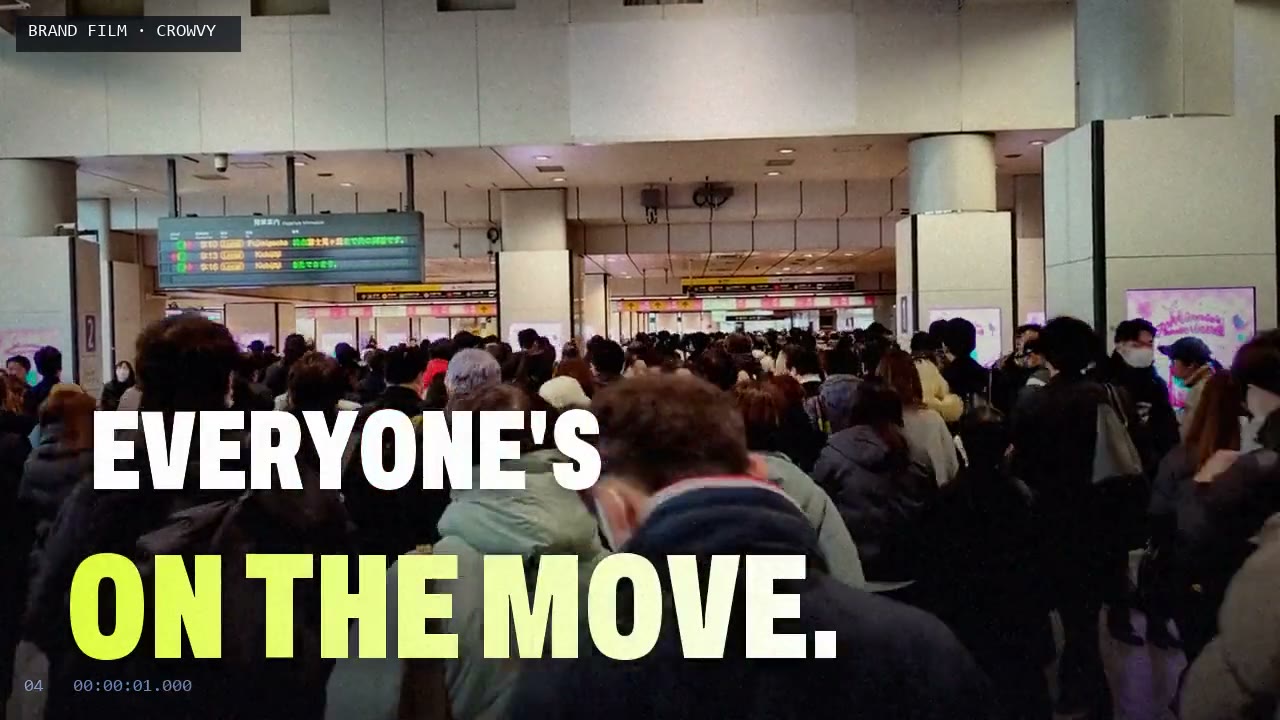
    16:9 · 1920 × 1080 · cut on the beat · logo end card

    Brand Films

    Launch films and commercials built around one line, with every cut, title and logo move landing on the music.

    • One-line concept to beat map
    • Kinetic type and location tags
    • Logo animation and end card
    • Cut-downs for 9:16 and 1:1
  5. 9:16

    9:16 · 1080 × 1920 · voiceover-led · template-ready

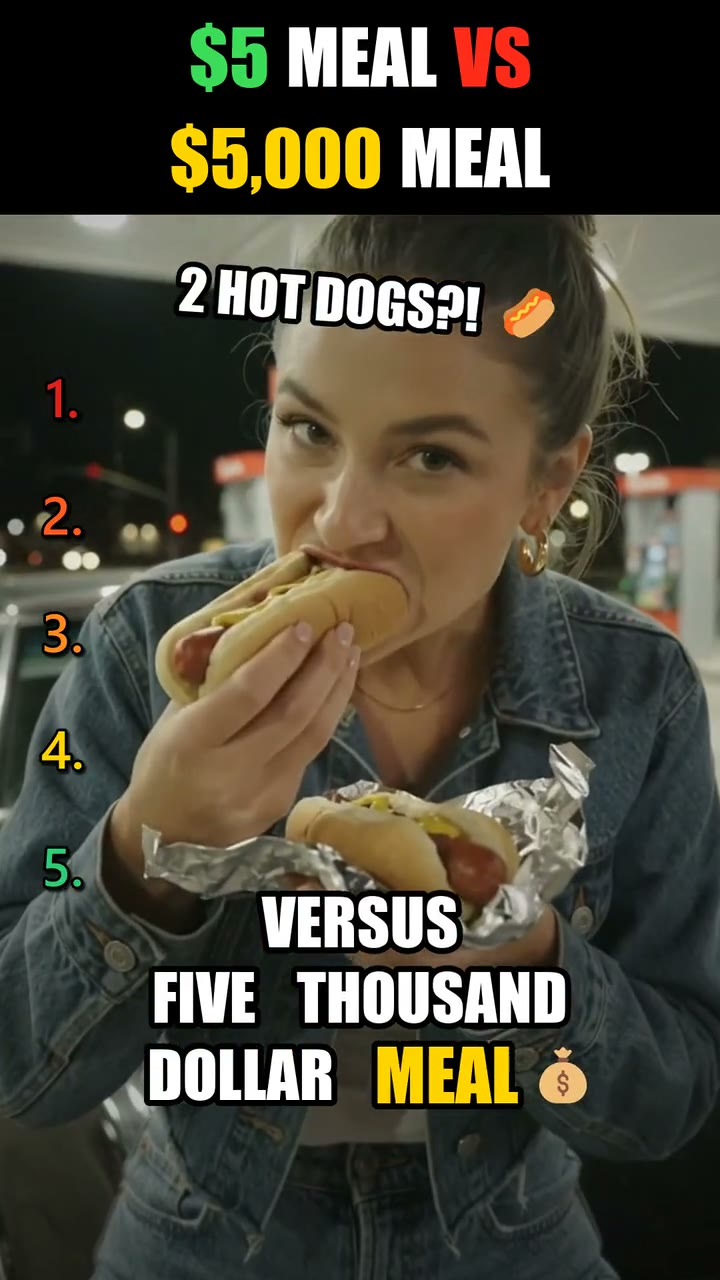
    Faceless / Ranking

    Ranking, compilation and explainer channels, built as a repeatable format so episode 40 is as sharp as episode 1.

    • Series template and style guide
    • Voiceover, captions and rank graphics
    • Batch production
    • Titles and thumbnail frames
  6. 1:1

    1:1 · 1080 × 1080 · kinetic type · animated callouts

    Motion Graphics

    Kinetic typography, animated infographics and callouts that explain faster than a voiceover can.

    • Kinetic type and title cards
    • Animated data and infographics
    • Logo and end-card animation
    • Reusable motion templates
  7. 16:9

    16:9 · Rec.709 · −14 LUFS · true peak −1 dBTP

    Color & Sound

    The finish that makes cheap footage look and sound expensive.

    • Color correction and look grading
    • Shot matching across cameras
    • Dialogue cleanup and ducking
    • Loudness mastered per platform

Channels I’ve built & edited.

Four faceless YouTube channels I run myself, each a different format and a different audience. They’re where I test what holds attention before I use it on client work.

The work. Press play.

UGC ads, Shorts, Reels and long-form, filtered by what you need. Hover to preview, click to watch with sound.

Showing 24 videos

Featured · Brand film · launch commercial

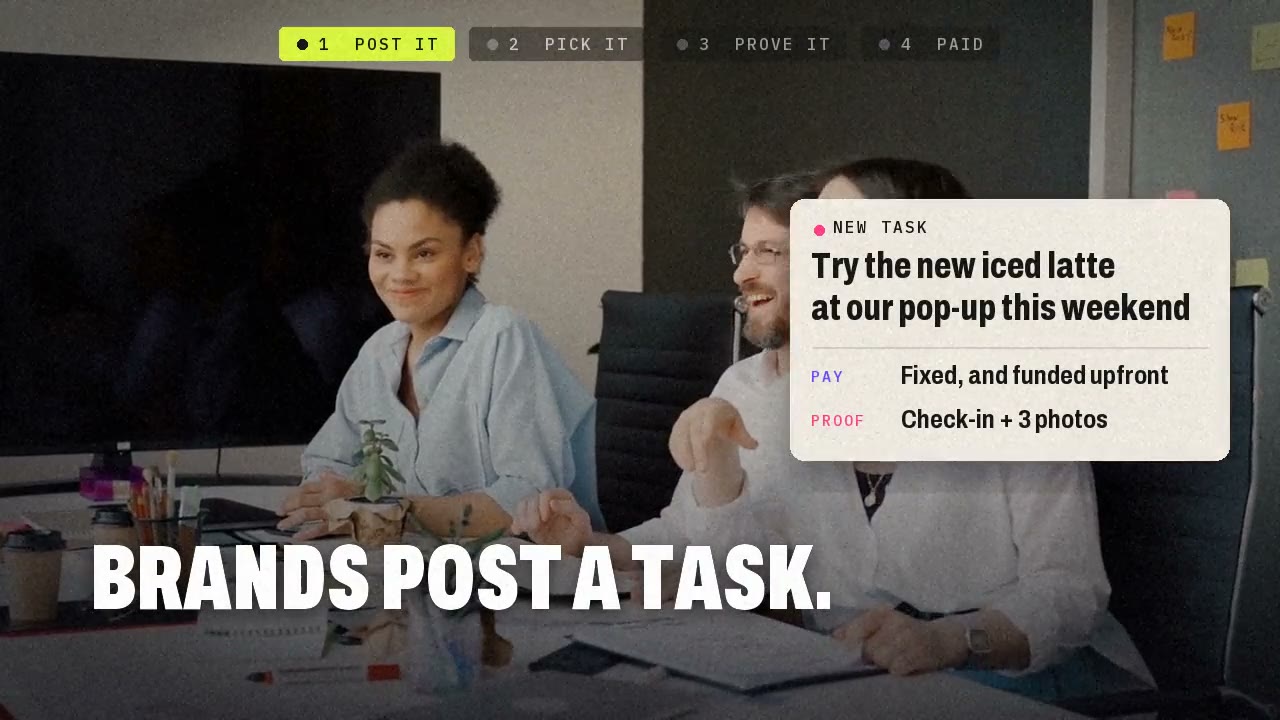
Brands Get Seen. People Get Paid: CROWVY Launch Film

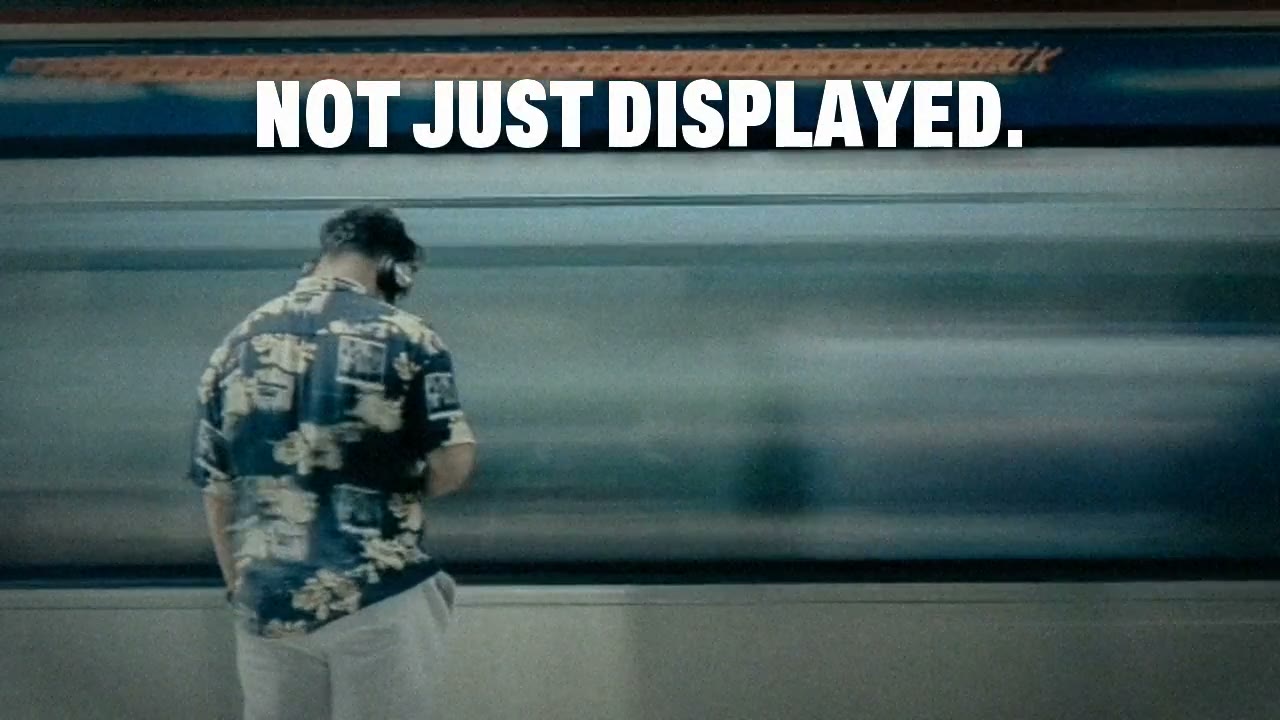
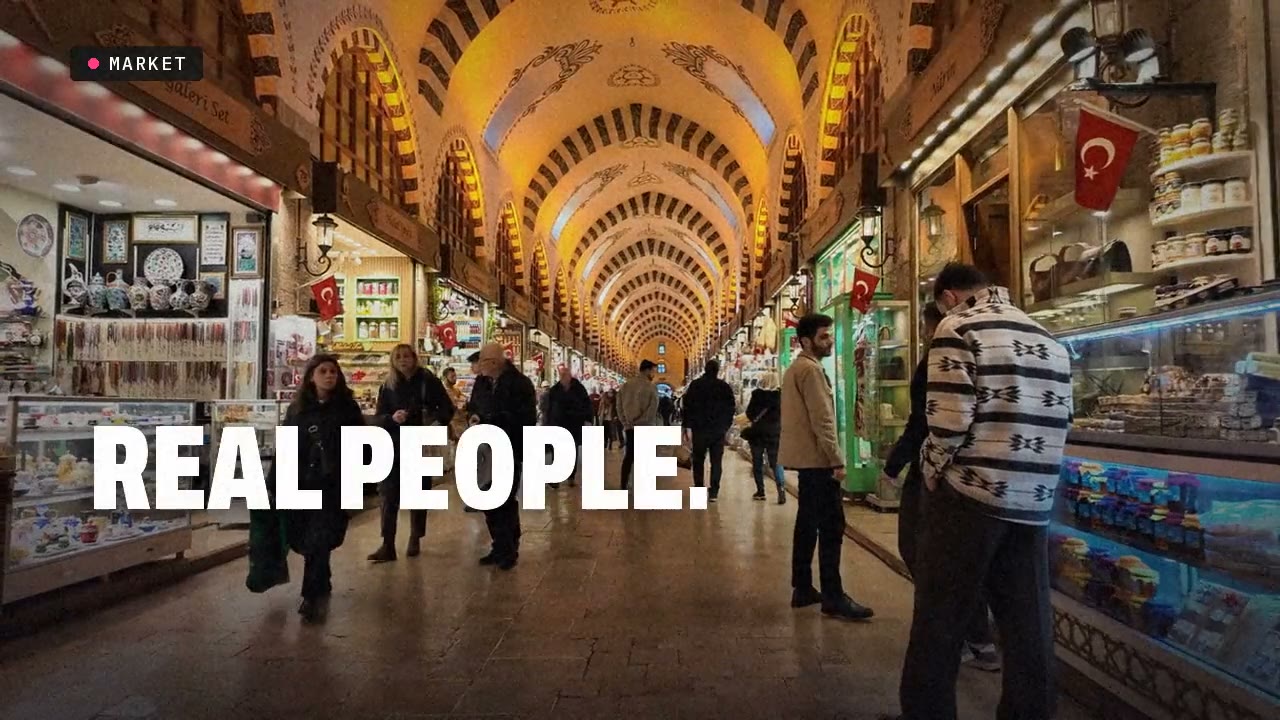
The 32-second launch film for CROWVY, the marketplace where brands pay real people to carry a campaign into the city. No presenter: the film explains the whole platform in four steps (Post it, Pick it, Prove it, Paid), with a live step bar along the top, a task card, a "You're in" notification, three proof photos stamped APPROVED and "Proof in. Money out." landing on the drop. Then a beat montage of real people in real places, the silence over a man standing still as a train blurs past ("Not just displayed. Brought to life."), and the logo building itself into the two-way end card. Every cut and title sits on a 120 BPM grid. Cut from real stock footage of real people; the edit, type, motion graphics and original score are mine.

  • Pexels stock footage
  • Python
  • FFmpeg
  • NumPy (score)
  • Playwright (logo render)

Same frame. Different video.

Drag the line. On the left, the shot as it arrived. On the right, the frame that went out.
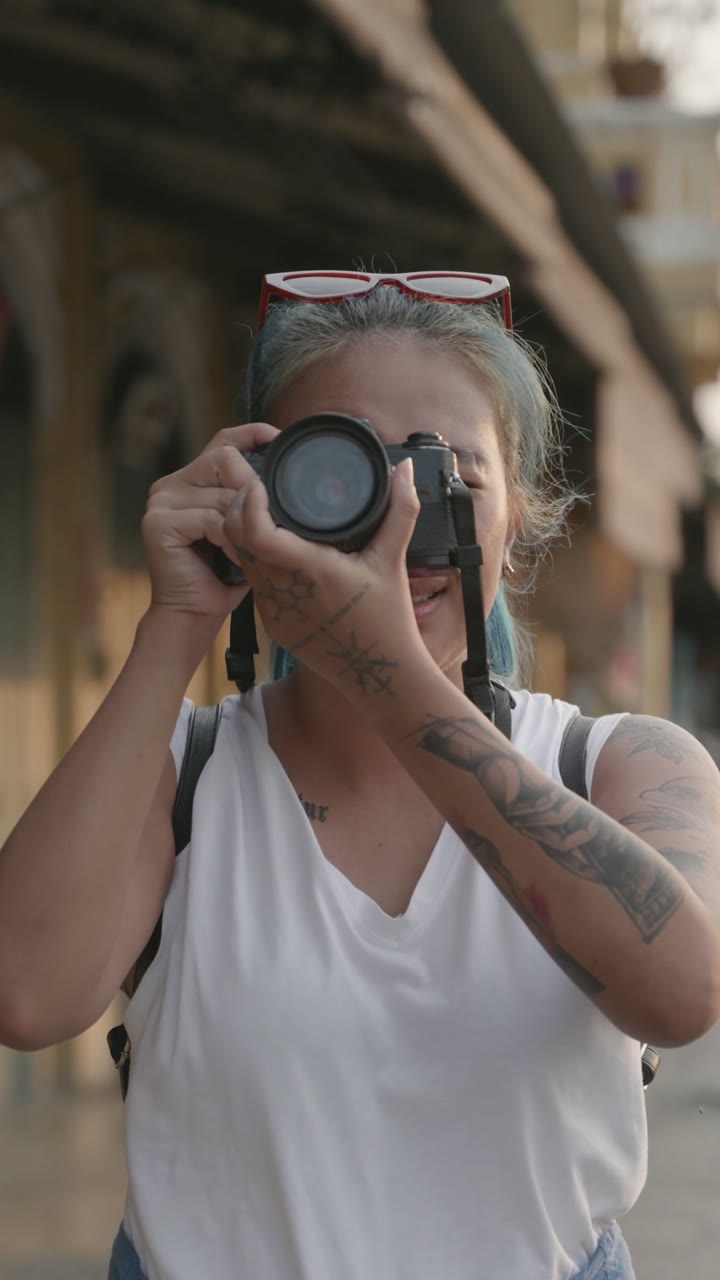
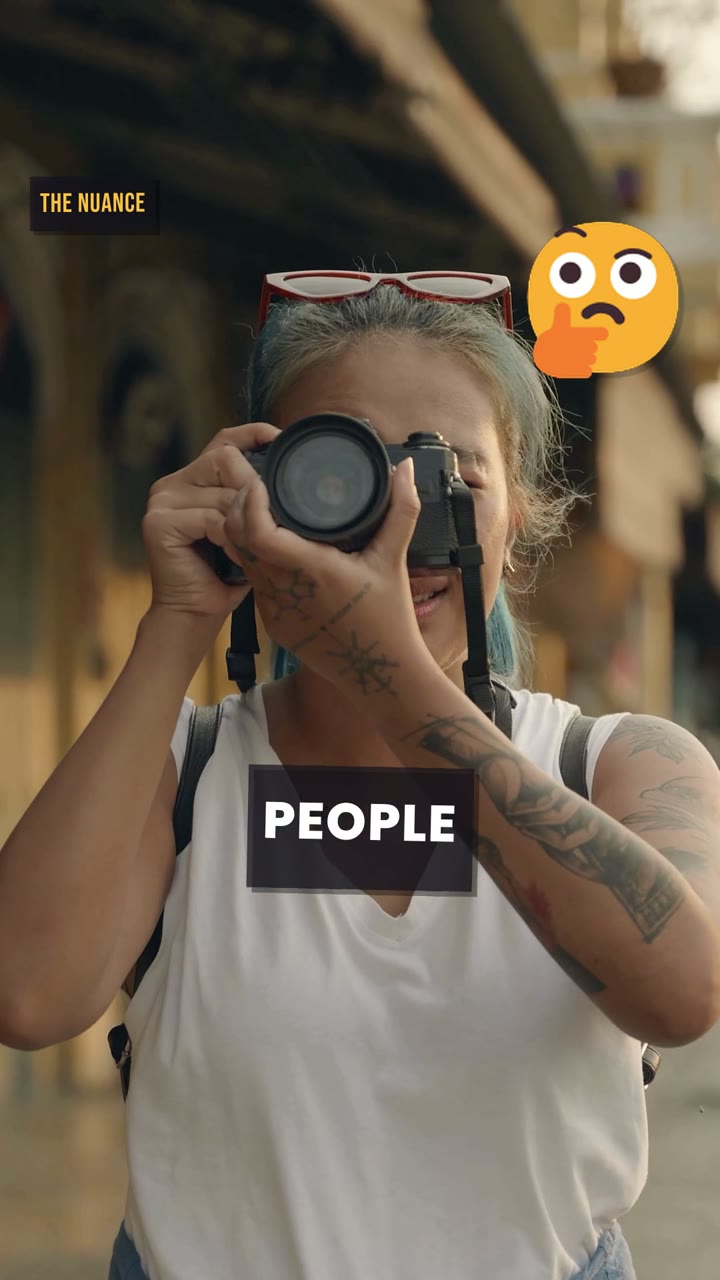
DXB Culture — the turn: “what most people get wrong”, raw footageDXB Culture — the turn: “what most people get wrong”, finished editRAWEDIT
◀▶

DXB Culture — the turn: “what most people get wrong”

What the edit added

  • 01House grade: warm highlight lift, cool shadows, +8% saturation
  • 02Slow punch-in, 1.20× to 1.25× across the shot, framed on her face
  • 03Chapter tag “THE NUANCE” on the turn line
  • 04Kinetic caption: PEOPLE, on the spoken word
  • 05🤔 stamped on the beat, kept off her face
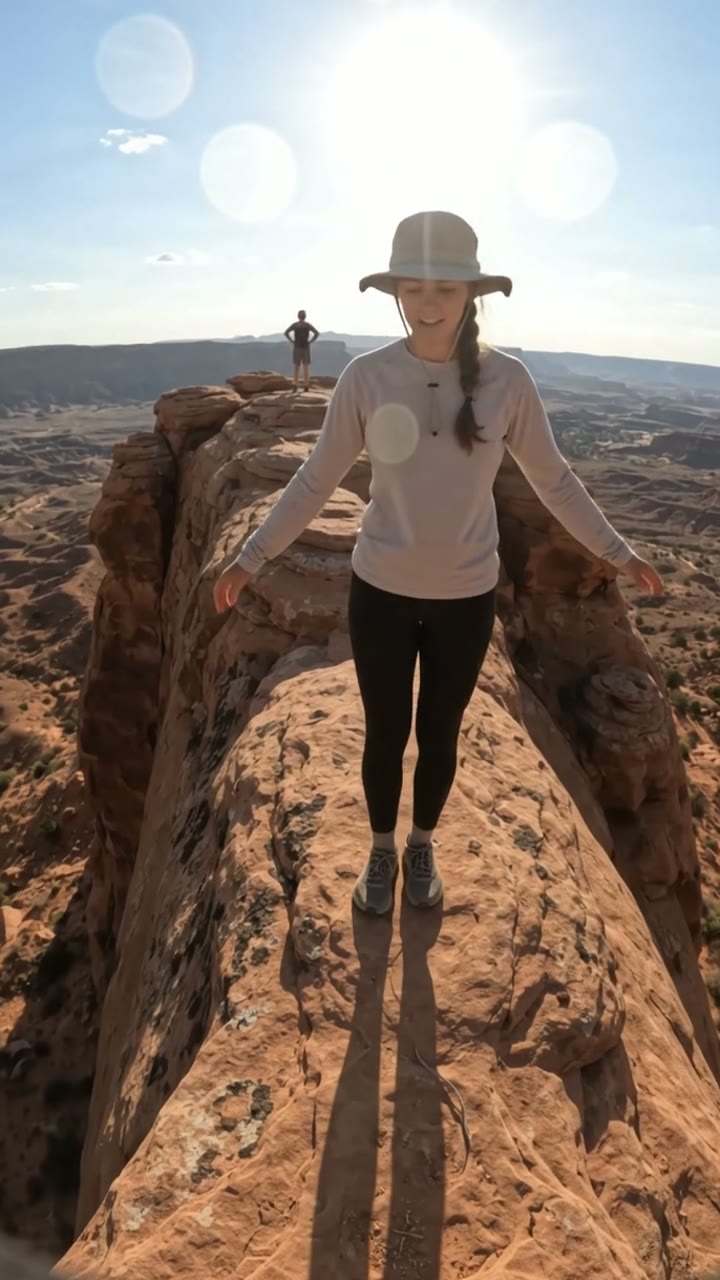
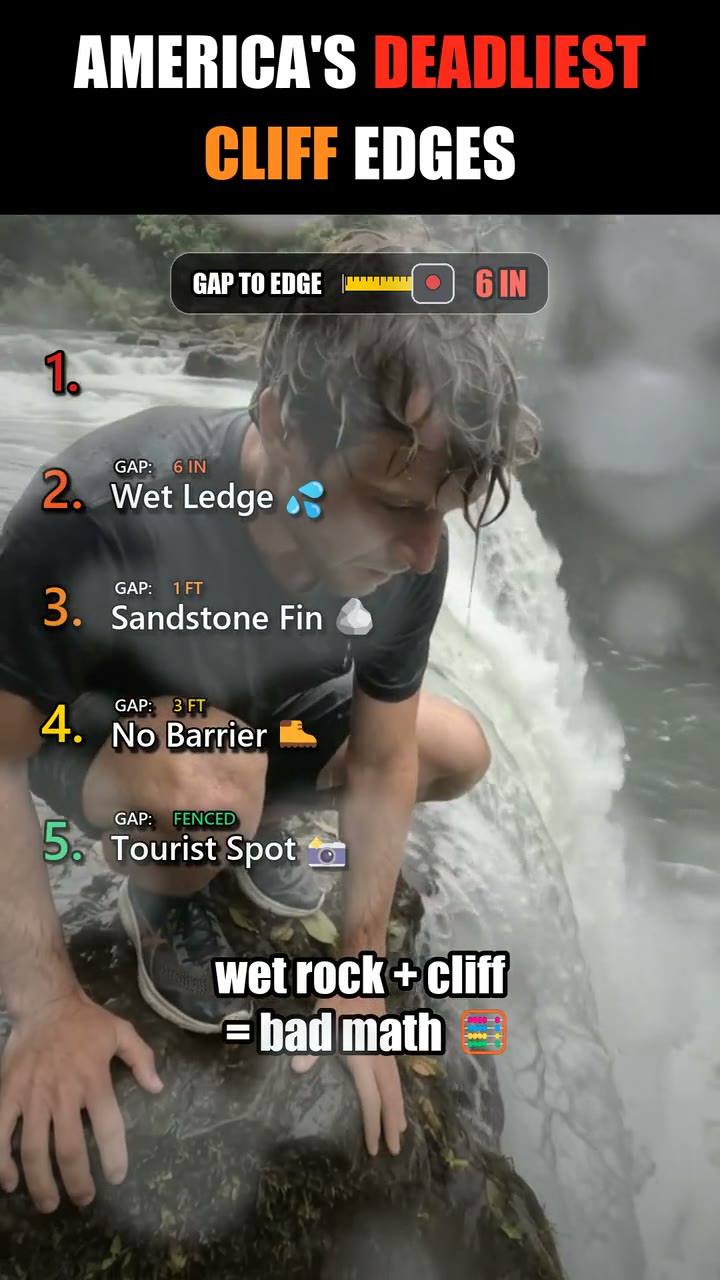
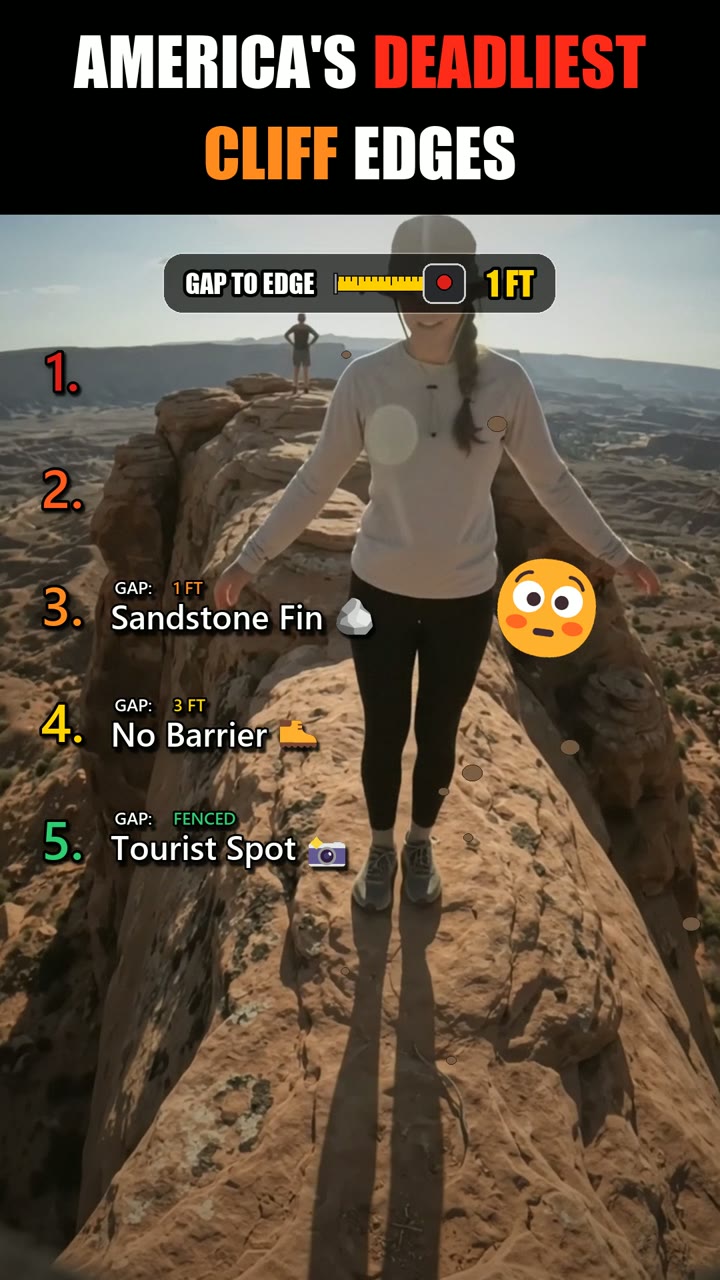
Koobita — rank 3, Sandstone Fin, raw footageKoobita — rank 3, Sandstone Fin, finished editRAWEDIT
◀▶

Koobita — rank 3, Sandstone Fin

What the edit added

  • 01Realism grade: highlights pulled in, lifted blacks, vignette, real grain
  • 02Title bar with colour-keyed words
  • 03Gap-to-edge meter ticking down to 1 ft
  • 04Heat-scale rank board, safe green to insane red
  • 05Reaction emoji stamped on the beat

I edit for retention, not decoration.

Every beat of this Short is a decision. These are the actual ones, read from the edit’s own build files: the cut list, the word-timed voiceover and all 70 sound cues.
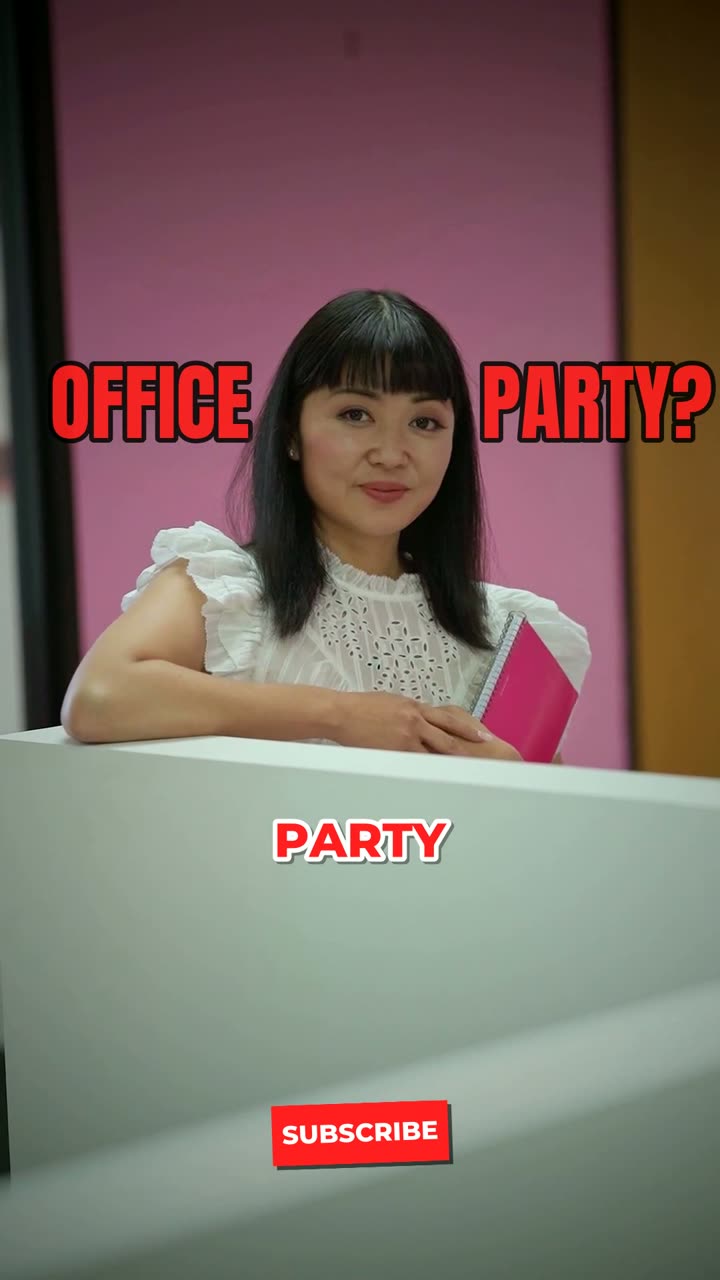
Runtime
42 s
Shots
22
Sound cues
70
Title cards
5
Mix
−14 LUFS

Shaded: the first three seconds, where the swipe is decided.

00:00:00:00 · HOOK

Cold open, no intro

“The meeting ended at 6.” On the boss, on a whoosh and a clack, with a white flash on frame one. The first second is already the story.

All 13 decisions

Footage: real Pexels stock, cropped to 9:16 around each subject and lifted out of flat log with a conform pass built for this video. Shop signs were reframed out of shot rather than blurred. Mix: voice first, music sidechain-ducked under it, two-pass loudnorm to −14 LUFS and −1.4 dBTP.

From raw to viral.

Seven steps, the same every time, so you always know what happens next and when.

  1. CLIP 01

    Brief

    Who it's for, where it runs, what it has to make people do. One call or one message, and we both know what done looks like.

  2. CLIP 02

    Footage review

    I watch everything before I cut anything, and log the moments worth building around: the line, the reaction, the shot that sells.

  3. CLIP 03

    Rough cut

    Structure first. Hook, story, payoff, paced for the platform. You see the shape before I spend time polishing it.

  4. CLIP 04

    Sound & motion

    Captions, SFX, music, motion graphics. The layer that turns a cut into something people finish.

  5. CLIP 05

    Color

    Correct, match, then grade. Every shot looks like it belongs in the same video.

  6. CLIP 06

    Revisions

    Timestamped notes, fast turnarounds, no guessing what you meant.

  7. CLIP 07

    Export & delivery

    Platform-correct masters, cut-downs and thumbnails, named so you can find them.

The suite I cut in.

Timeline editors for the craft, scripts for the repetitive parts, so the hours go into the decisions and not the busywork.

  • Cc
    CapCutShort-form edits and captions
  • Ff
    FFmpegScripted edits, encodes, loudness
  • Py
    PythonAutomated edit pipelines
  • Fl
    Google Flow / VeoGenerated B-roll and inserts
  • Hf
    HyperFramesMotion graphics as code

Tools: CapCut (Short-form edits and captions), FFmpeg (Scripted edits, encodes, loudness), Python (Automated edit pipelines), Google Flow / Veo (Generated B-roll and inserts), HyperFrames (Motion graphics as code).

Levels

  • 92Retention pacing
  • 90Captions & kinetic type
  • 86Sound design
  • 78Motion graphics
  • 72Color grading
  • 84Storytelling

Beyond the timeline

  • Fast turnaround
  • Clear, written communication
  • Platform-algorithm literacy
  • Trend awareness
  • Takes notes without ego
  • Works across time zones

The numbers, unpadded.

141
Shorts published on my channels
4
YouTube channels built & edited

What you get besides the edit.

Based in Dubai, UAE (GST · UTC+4), working with brands, creators and agencies anywhere.

  • KF 01

    Retention first

    I cut for the second people usually leave. Hooks, pattern interrupts and payoffs are planned, not sprinkled on at the end.

  • KF 02

    Platform-native

    A TikTok is not a cropped YouTube video. Safe zones, caption sizes, pacing and length are set for where the video actually runs.

  • KF 03

    Fast turnaround

    Short-form drafts move in days, not weeks, and every revision round has a clear deadline.

  • KF 04

    Revisions included

    Revision rounds are part of the price, so feedback is never a negotiation.

  • KF 05

    Clear communication

    Written updates, timestamped notes, and a straight answer when something won't work.

  • KF 06

    Your time zone, mine too

    Based in Dubai (GST, UTC+4): overlap with Europe in the day, Asia in the morning and the US East Coast by evening.

Pick a starting point.

Every project gets a quote that fits it. These are the shapes most work takes.

  • Short-Form Pack

    TikTok, Reels and Shorts

    Quote on request

    • Up to 60 s each
    • Hook rework and pacing
    • Kinetic captions + SFX
    • Platform-ready exports
    Start with this
  • RECOMMENDED

    Long-Form

    YouTube videos

    Quote on request

    • Up to 15 min finished
    • Cold open + chapters
    • B-roll, lower thirds, callouts
    • Thumbnail frame pulls
    Start with this
  • Monthly Retainer

    Brands and channels posting weekly

    Quote on request

    • Agreed monthly volume
    • Priority turnaround
    • Series templates and style guide
    • One point of contact
    Start with this

Before you ask.

  • 01How fast is turnaround?

    Short-form usually comes back in a few days; long-form depends on runtime and footage, and I'll give you a date before I start. Rush jobs are possible when the calendar allows.

  • 02How many revisions do I get?

    Revision rounds are included in every project. Send timestamped notes and I'll turn them around quickly.

  • 03How do I send footage?

    A Google Drive, Dropbox or WeTransfer link is perfect. Send everything — I'd rather have the extra take than miss the moment.

  • 04What formats do you deliver?

    Whatever the platform wants: 9:16 for TikTok, Reels and Shorts, 4:5 and 1:1 for feed ads, 16:9 for YouTube. H.264 or ProRes masters, plus cut-downs on request.

  • 05How do I get the final files?

    A shared Drive folder with clearly named masters, cut-downs, captions files and thumbnails, ready to upload.

  • 06How does payment work?

    Through Upwork or Fiverr if you prefer platform protection, or directly by agreement. Larger projects are split into a deposit and a final payment.

  • 07Do you work with AI-generated footage?

    Yes, and I'm upfront about where it's used. Several pieces on this page use generated shots; the edit, pacing, captions and sound are still where the retention comes from.

Ready when your footage is.

Tell me what you’re making. I’ll reply with questions, a plan and a quote.

Export Settings — New Project
Preset: H.264 · BriefDestination: Ralph’s inboxReply: by email

Your details are only used to reply to you.

Direct lines

YouTube

Dubai, UAE · GST · UTC+4